
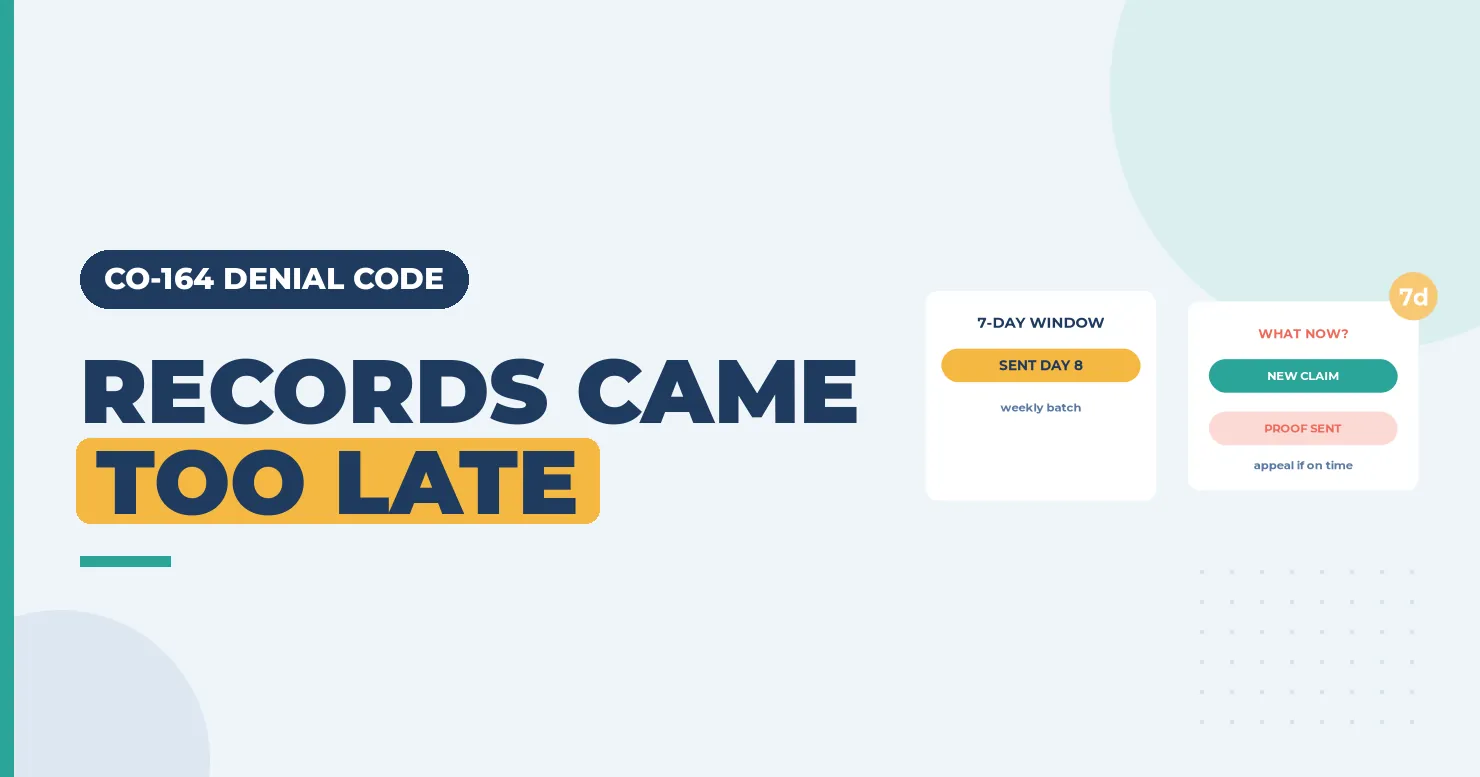
CO-164 is the late cousin of CO-163. Your claim said documents were coming, and they did come, but after the payer’s window closed. Many payers hold a claim with a PWK reference for a set number of days, then deny if the paperwork hasn’t matched. When the records finally land, the claim has already been closed. Getting paid usually means proving you sent on time, or sending a fresh claim with the records ready. (Primary source: X12 Claim Adjustment Reason Codes)
In brief: CARC 164 reads “Attachment/other documentation referenced on the claim was not received in a timely fashion.” Find the payer’s attachment window, check your send date and proof, then appeal with that proof or submit a new claim with the records sent the same day. Fix the workflow that caused the delay.
Part of our denial codes library. Written by Manikandan J, CPC, CRCR, who has run documentation and appeals queues for therapy and surgical practices. Published 22 October 2026. Last updated: 22 October 2026. Code wording quoted word for word from X12.
Official CARC 164 description
| Field | X12 text |
|---|---|
| Code | 164 |
| Description | “Attachment/other documentation referenced on the claim was not received in a timely fashion.” |
| Start | 06/30/2004 |
| Last modified | 06/02/2013 |
Source: X12 Claim Adjustment Reason Codes, checked 22 October 2026.
Key terms behind CARC 164
An attachment window is the number of days a payer waits for paperwork after it receives a claim that references it. It’s set by each payer, so check the provider manual. A proof of transmission is a fax confirmation, portal receipt or tracked mail record that shows when you sent the document. A new claim is a fresh submission (frequency code 1), as opposed to a corrected claim that replaces one already paid or denied.
The NUCC 1500 instructions explain how the PWK details go in Item 19 on paper claims. CMS posts its Medicare Claims Processing Manual for Medicare claim handling rules.
Why records arrive late
- Records weren’t ready. For example, the operative or therapy note was unsigned when the claim went out.
- Mail delays. Paper records sent by mail can take longer than the payer’s window.
- Batching. Staff saved attachments to send weekly, but the payer counts from claim receipt.
- Wrong address first. The packet went to the claims address, then got forwarded.
Example scenario (fictional names), part 1
CO-164 Denial Example: What Happened
Lena Fischer manages the billing office at Summit Peak Physical Therapy. A patient finished a course of therapy after a rotator cuff repair (M75.121), and Summit Peak billed the final visit with 97110 and 97140. Kestrel Mutual, a fictional plan, requires progress notes for therapy past the twelfth visit, so the claim carried a PWK saying the notes would come by mail.
The notes went out eight days later in a weekly mail batch. The 835 showed CAS*CO*164 with remark LQ*HE*N706, “Missing documentation.” Kestrel’s manual gave providers seven days from claim receipt to send attachments.
Was this claim lost for good, or could Lena still get it paid? Keep reading, or jump to how the CO-164 denial was resolved.
Remark codes often paired with CARC 164
| RARC | X12 wording | What it tells you |
|---|---|---|
| N706 | “Missing documentation.” | The records weren’t on file when the claim was decided |
| N463 | “Missing support data for claim.” | Support data didn’t match the claim in time |
See the X12 RARC list for the full set.
How to fix a CO-164 denial

- Find the payer’s window. Look up how many days the payer allows for attachments and when the clock starts.
- Check your proof. Pull the fax confirmation, portal receipt or mail tracking with the date sent.
- If you sent on time, appeal with the proof and ask the payer to reprocess with the records.
- If you sent late, ask whether the payer accepts a new claim. If it does, send it with a fresh PWK and send the records the same day.
- Check timely filing. A new claim must still fall inside the payer’s filing limit for the date of service.
- Fix the workflow. Send attachments daily, not in weekly batches, and hold claims until records are signed.
Example scenario (fictional names), part 2
How the CO-164 Denial Was Resolved
Lena checked Kestrel’s manual. A claim denied with CARC 164 could be sent again as a new claim inside the filing limit, as long as the records went with it. The date of service was only five weeks earlier, well within the limit.
Fix: she sent a new claim (frequency code 1) with a fresh attachment control number in Box 19 and uploaded the progress notes to Kestrel’s portal the same day. The portal receipt was saved to the account.
Outcome: Kestrel matched the notes on the first pass and paid both lines. Summit Peak dropped the weekly mail batch and now uploads therapy notes daily through the portal.
Names and details are illustrative; no real patient data.


- Box 19 / FL 80: PWK with report type PN (physical therapy notes), transmission EL (electronic, portal) and a new attachment control number, ATT000377.
- Box 22 / FL 4: left as a new claim (frequency 1, type of bill 0131) because the payer asked for a fresh claim, not a replacement.
- Timing: notes uploaded the same day as the claim, with the portal receipt saved.
- Box 24D / FL 44: 97110 x2 and 97140 with M75.121 (entered as M75121) are unchanged.
Worked example (illustrative)
A surgeon’s office sends the operative note by fax two days after the claim, inside the payer’s ten-day window. The payer still denies with CO-164 because its fax server logged the note under the wrong claim. The office appeals with its fax confirmation showing the date, time and number. The payer finds the note, links it and reprocesses. No new claim is needed because the office can prove it sent on time.
CO-164 vs similar codes
| Code | What it means | Main difference |
|---|---|---|
| CO-164 | Attachment not received in a timely fashion | Arrived after the window |
| CO-163 | Attachment referenced on the claim not received | Never arrived or never matched |
| CO-29 | The time limit for filing has expired | The claim itself was late |
| CO-252 | An attachment or other documentation is required | The payer asks for records the claim didn’t reference |
Prevention checklist
- Each payer’s attachment window is in payer setup.
- Claims with PWK hold until the records are signed and ready.
- Attachments go out daily, by portal where possible.
- Proof of transmission is saved to every account.
- A daily report lists PWK claims with no matching send.
Recap
CO-164 means the records arrived after the payer’s window. Find the window, check your proof, then appeal if you sent on time or send a new claim with the records if you didn’t. Watch the filing limit, and fix the process that delayed the records.
FAQ
What does denial code CO-164 mean?
The payer received the attachment your claim referenced, but after its deadline for attachments.
Can I appeal a CO-164 denial?
Yes, if you can prove you sent the records inside the payer’s window. Include the fax, portal or mail record.
Should I send a corrected claim or a new claim?
It depends on the payer. Many want a new claim with fresh PWK details. Check the provider manual.
Does CO-164 affect timely filing?
Yes. Any new claim must still meet the payer’s filing limit for the date of service.
Can I bill the patient for CO-164?
No. It’s a CO denial caused by the provider’s paperwork timing.
How long do payers allow for attachments?
Each payer sets its own window. Check the provider manual rather than assuming a number.
Sources
How we checked: each code quote on this page was matched word for word with the X12 CARC and RARC lists on 22 October 2026.
- X12, Claim Adjustment Reason Codes (CARC 164, 163, 29, 252). Accessed 22 Oct 2026.
- X12, Remittance Advice Remark Codes (N706, N463). Accessed 22 Oct 2026.
- NUCC, 1500 claim form instructions (Item 19). Accessed 22 Oct 2026.
- CMS, Medicare Claims Processing Manual. Accessed 22 Oct 2026.
Last updated: 22 October 2026 · Educational content; not legal advice.