
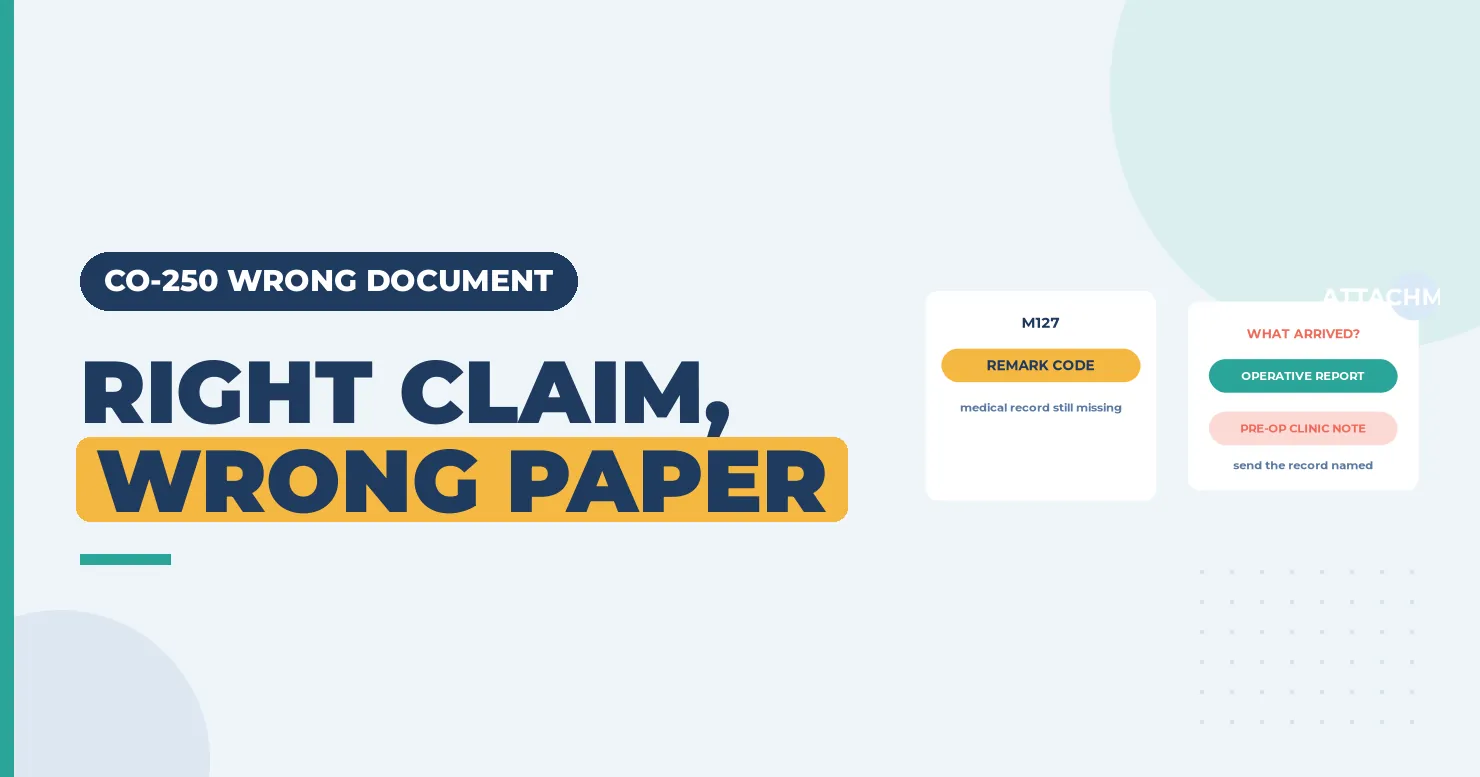
CO-250 means something did arrive, but it was not what the payer asked for. A history and physical went where an operative note was needed. Or a lab report landed under the wrong claim. The claim waits until the right document shows up. The fix is to read the request closely and send exactly that record, linked to the claim. (Primary source: X12 Claim Adjustment Reason Codes)
In brief: CARC 250 reads “The attachment/other documentation that was received was the incorrect attachment/document. The expected attachment/document is still missing.” Check the remark code and the request letter, pull the exact record named, and send it with the claim number and attachment control number.
Part of our denial codes library. Written by Manikandan J, CPC, CRCR, who has worked documentation requests and attachment denials for surgical practices. Published 24 October 2026. Last updated: 24 October 2026. Code wording quoted word for word from X12.
What CO-250 says, in full
| Field | Value |
|---|---|
| Code | 250 |
| Description | “The attachment/other documentation that was received was the incorrect attachment/document. The expected attachment/document is still missing. At least one Remark Code must be provided (may be comprised of either the NCPDP Reject Reason Code, or Remittance Advice Remark Code that is not an ALERT).” |
| Start | 09/30/2012 |
Source: X12 Claim Adjustment Reason Codes, checked 24 October 2026.
The remark code tells you what the payer still wants. M127 reads “Missing patient medical record for this service.” N706 reads “Missing documentation.”
Example scenario (fictional names), part 1
CO-250 Denial Example: What Happened
Tomas Reyes bills for Lakeview Orthopedics, a fictional surgical group. A knee arthroscopy claim for CPT 29881 was held for records. The front desk faxed the clinic note from the pre-op visit.
Three weeks later the remit showed CAS*CO*250 with remark M127. The payer had asked for the operative report.
What should Tomas send, and how does he tie it to the claim? Keep reading, or jump to how the CO-250 denial was resolved.
How the wrong document gets sent
- The request was skimmed. Staff sent the most recent note instead of the one named.
- Wrong date of service. The right record type, but from another visit.
- Wrong claim link. The attachment carried another claim’s control number.
- Missing pages. For example, page one of a two-page op note is filed as if it were the whole report. Missing pages can also lead to CO-251.
- Unsigned record. Some payers will not accept an unsigned or draft note.
Sending the right record for CO-250
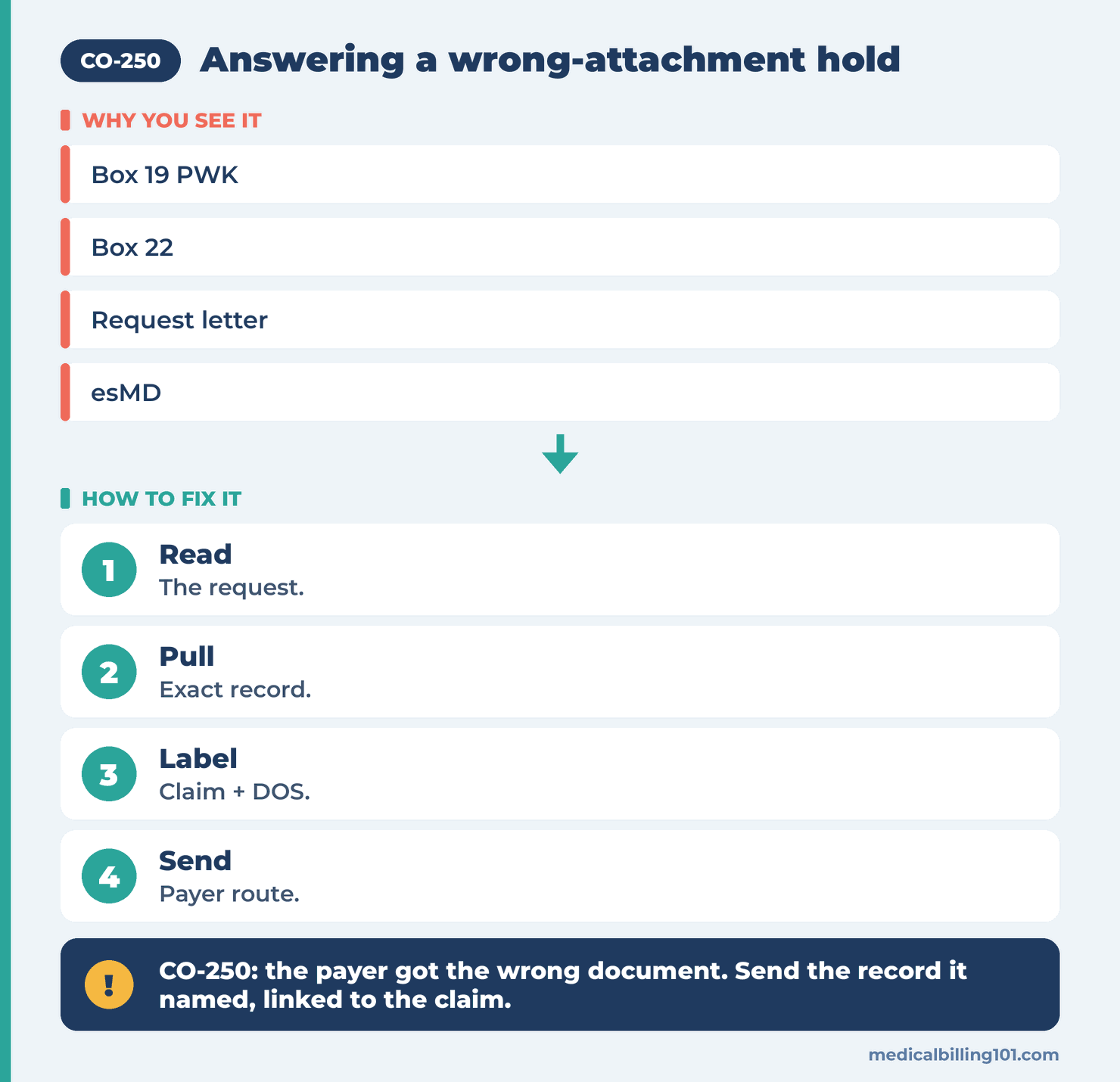
- Read the request letter and the remark. Note the record type, the date of service and the deadline.
- Pull the exact document. For surgery, that is usually the signed operative report.
- Label it. Put the patient name, claim number and date of service on the cover sheet.
- Link it on the claim. On the CMS-1500, Box 19 can carry PWK, a report type code, a transmission code and an attachment control number. The NUCC 1500 instructions explain the format.
- Send it the way the payer asks. Use the portal, fax or mail route on the letter, and keep proof of sending.
Our guide to medical necessity documentation covers what reviewers read once the right record arrives.
Example scenario (fictional names), part 2
How the CO-250 Denial Was Resolved
Tomas pulled the signed operative report for the arthroscopy date.
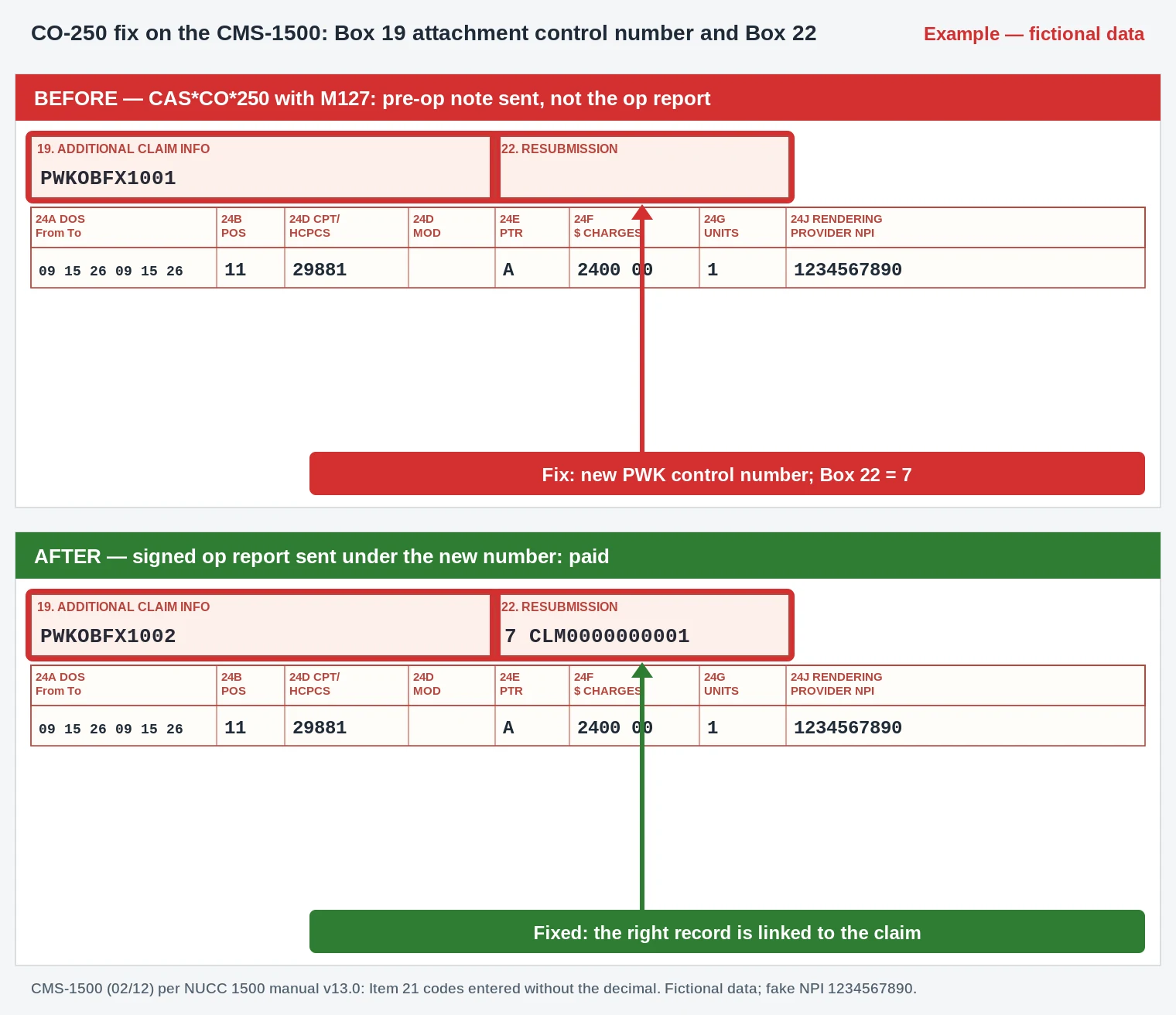
Fix: He faxed it under a new attachment control number. The payer needed a new claim, so he sent a corrected claim with that number in Box 19 and code 7 in Box 22.
Outcome: The claim was reviewed and paid. The practice added a step: match the record type on every request letter before anything is sent.
Names and details are illustrative; no real patient data.
UB-04 not shown: this is the surgeon's professional claim; facility attachments are linked in the electronic PWK segment.
- Box 19: PWKOBFX1001 changed to PWKOBFX1002 (OB operative note, FX fax, new control number).
- Box 22: code 7 with the original claim number, because this payer wanted a new claim.
- Box 24D: CPT 29881 and its charge are unchanged.
- Record sent: the signed operative report for the surgery date, not the pre-op note.
- UB-04: not used for this professional claim.
CO-250 compared with other documentation codes
| Code | What arrived | What to do |
|---|---|---|
| CO-250 | The wrong document | Send the record named in the request |
| CO-251 | Right document, incomplete | Send the missing pages or parts |
| CO-252 | Nothing yet | Send the requested record |
| CO-16 | Claim data missing | Correct the claim fields |
FAQ
What does CO-250 mean?
The payer received a document, but not the one it asked for, so the claim is still waiting.
Do I need a new claim for CO-250?
Not always. Many payers only need the right record linked to the claim. Follow the request letter.
What goes in Box 19 for an attachment?
The PWK qualifier, a report type code, a transmission type code and the attachment control number, with no spaces.
Can the patient be billed for CO-250?
No. It is a contractual adjustment until the right record is sent.
How long do I have to respond?
The request letter gives the deadline. Missing it can turn the hold into a final denial.
Sources
How we checked: code and remark wording on this page was matched word for word with the X12 lists on 24 October 2026.
- X12, Claim Adjustment Reason Codes (CARC 250). Accessed 24 Oct 2026.
- X12, Remittance Advice Remark Codes (M127, N706). Accessed 24 Oct 2026.
- NUCC, 1500 Claim Form instructions. Accessed 24 Oct 2026.
- CMS, Electronic submission of medical documentation (esMD). Accessed 24 Oct 2026.
Last updated: 24 October 2026 · Educational content; not legal advice.
Related denial codes
- CO-251: Incomplete or Deficient Documentation
- CO-252: An Attachment or Other Documentation Is Required
- PR-227: Information Requested from the Patient Was Not Provided
- CO-226: Requested Information Not Provided
- N290: Missing, Incomplete or Invalid Rendering Provider Identifier
- CO-206: NPI Missing on the Claim
- CO-164: Attachment or Documentation Not Received in a Timely Fashion
- CO-163: Attachment or Documentation Referenced on the Claim Was Not Received